Small businesses are increasingly targeted by cybercriminals. A single phishing email, stolen password or outdated computer can put your business data, customer information and daily operations at risk.
The good news is that protecting your business does not always require a large IT budget. Following practical cybersecurity tips for small businesses can help reduce common threats and strengthen your overall security.
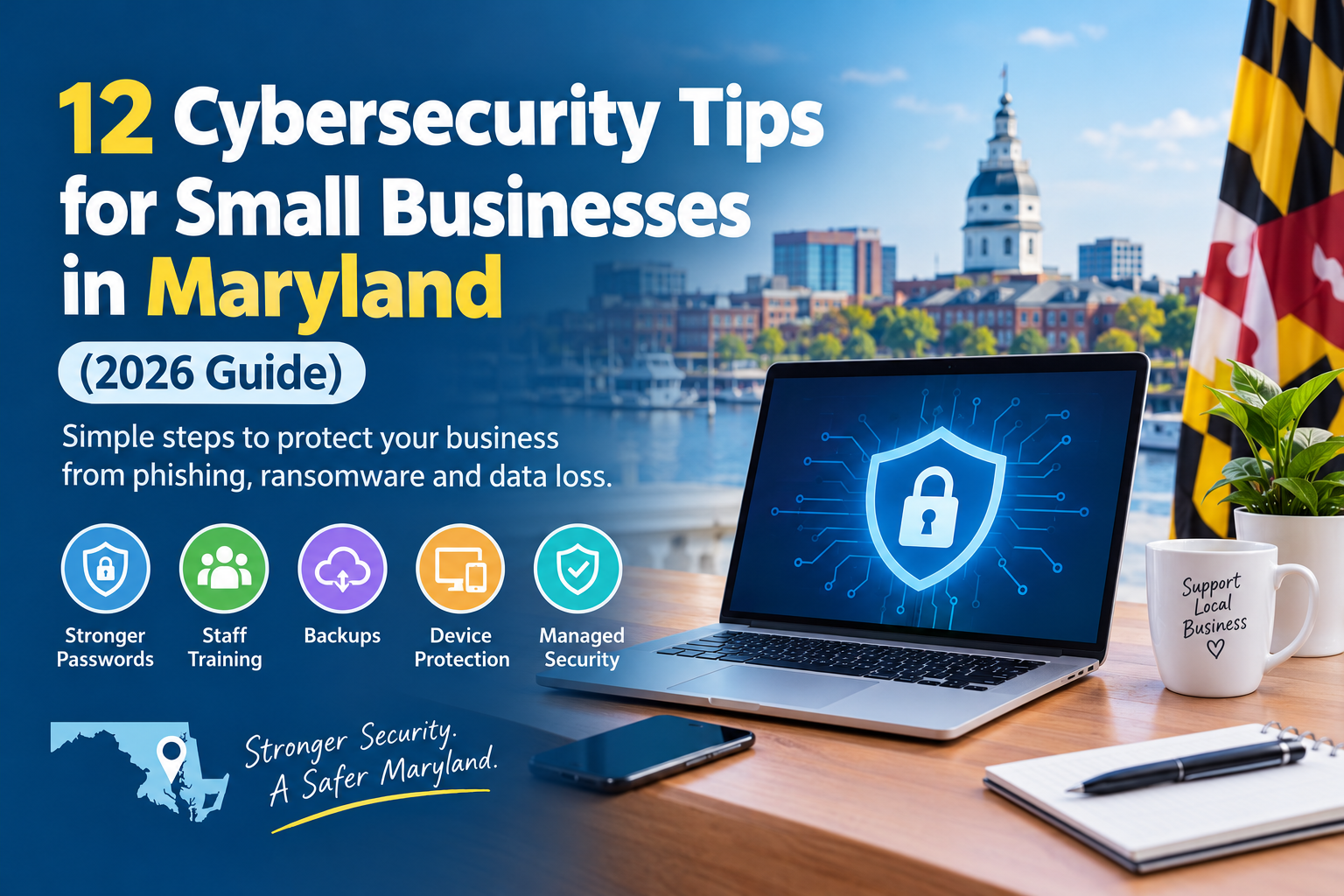
The five most important steps are to enable multi-factor authentication, keep software updated, train employees to recognize phishing, back up important data and protect every device with endpoint security. The additional steps in this guide will help you build a stronger cybersecurity strategy.
Whether your business operates in Ellicott City, Columbia, Baltimore or another Maryland community, these cybersecurity best practices can help protect your systems and the people who depend on them.
Why Small Business Cyber Security Matters in Maryland
Cybercriminals do not target only large corporations. They often use automated tools to scan thousands of businesses for weak passwords, outdated software, unsecured networks and other vulnerabilities.
Small businesses can be attractive targets because they may not have a dedicated IT or cybersecurity team. An attack can interrupt operations, expose sensitive customer information, damage your reputation and create unexpected recovery costs.
Maryland businesses also need to understand their responsibilities when handling personal information. The Maryland Personal Information Protection Act (PIPA) includes requirements relating to the protection of personal information and notifications following certain data breaches. Businesses should review the Maryland Attorney General’s guidelines for businesses and seek qualified legal advice about their specific obligations.
Taking cybersecurity seriously is not just about preventing attacks. It is also about protecting customer trust, maintaining business continuity and reducing avoidable risks.
12 Cybersecurity Tips for Small Businesses
These cybersecurity tips for small businesses provide practical actions you can start implementing today. Begin with the highest-priority steps and work through the list to improve your protection over time.
1. Turn On Multi-Factor Authentication (MFA) Everywhere
Multi-factor authentication adds another verification step when someone signs in to an account. In addition to a password, users may need to enter a code, approve a notification or use another verification method.
This extra layer can make it much harder for attackers to access an account using a stolen password.
Enable MFA wherever it is available, especially for:
- Business email accounts
- Microsoft 365 and cloud applications
- Online banking and payroll systems
- Remote access and administrator accounts
- Customer management and business software
Prioritize email and administrator accounts because they can provide access to other important business systems.
For additional guidance, review the FTC’s cybersecurity guidance for small businesses.
2. Keep Software and Devices Updated
Outdated software can contain security weaknesses that attackers already know how to exploit. Regular updates help fix these vulnerabilities and improve device security.
Enable automatic updates wherever possible for:
- Windows and macOS computers
- Smartphones and tablets
- Web browsers
- Business applications
- Firewalls and routers
- Printers and other connected devices
Do not assume that computers are the only devices that need attention. Network equipment and office devices also require updates.
If your business uses several computers and systems, a managed IT provider can help monitor updates and ensure important security patches are applied.
3. Train Your Team to Recognize Phishing
Phishing is a common way cybercriminals trick employees into revealing passwords, opening malicious attachments or transferring money.
A suspicious email may look like it comes from a manager, supplier, bank or familiar company. It might ask an employee to open a shared document, reset a password or pay an urgent invoice.
Train employees to:
- Check the sender’s email address carefully.
- Avoid clicking unexpected links or opening suspicious attachments.
- Be cautious of urgent requests involving money or passwords.
- Verify payment or bank-detail changes using a trusted phone number.
- Report suspicious messages to the appropriate person.
Provide short security awareness sessions regularly rather than relying on a single annual presentation.
A well-trained team is an important part of cybersecurity for small businesses because employees are often the first people to encounter a suspicious message.
4. Back Up Your Data Automatically and Test Your Backups
A reliable backup can help your business recover after accidental deletion, hardware failure, ransomware or another incident.
However, simply creating backups is not enough. You also need to make sure that your data can actually be restored.
Follow these practices:
- Schedule automatic backups of important business data.
- Keep a backup copy separate from your main network.
- Use protected or immutable backups where appropriate.
- Restrict access to backup systems.
- Test restoring files regularly.
For critical business information, daily backups are a useful starting point, although the right schedule depends on how frequently your data changes and how much data your business can afford to lose.
Test a backup restoration at least every three months so you know your recovery process works.
Learn more about our Backup and Disaster Recovery services.
5. Use Managed Endpoint Protection on Every Device
Every computer, laptop and server connected to your business network can become a potential entry point for an attacker.
Traditional antivirus software is useful, but businesses may need additional protection to identify suspicious activity and respond to more advanced threats.
Endpoint Detection and Response (EDR) solutions can monitor devices for unusual behavior and help identify or contain potential security incidents.
Consider endpoint protection that includes:
- Continuous monitoring for suspicious activity
- Detection of malware and unusual behavior
- Alerts when a device may be compromised
- Isolation of affected devices when necessary
- Professional monitoring and response
A managed endpoint security service can help businesses that do not have an in-house security specialist.
6. Use Strong, Unique Passwords With a Password Manager
Using the same password across multiple accounts creates unnecessary risk. If one website or service experiences a data breach, attackers may try the exposed password on other accounts.
Create a separate, strong password for every important business account.
A password manager can help your team:
- Generate strong, unique passwords.
- Store login details securely.
- Share business credentials through controlled access.
- Reduce the need to remember multiple passwords.
Avoid sharing passwords through ordinary email or messaging apps. Combine strong passwords with multi-factor authentication for better account protection.
7. Give Employees Only the Access They Need
Not every employee needs access to every business file, application or administrator setting.
Limiting access reduces the potential damage if an account is compromised or an employee accidentally shares sensitive information.
Use the principle of least privilege:
- Give employees access only to the systems they need for their jobs.
- Limit administrator privileges.
- Use separate administrator accounts where appropriate.
- Remove access promptly when an employee leaves.
- Review user permissions regularly.
Review access rights at least twice a year and whenever employees change roles.
8. Secure Your Wi-Fi and Business Network
An unsecured wireless network can create opportunities for unauthorized users to access business systems.
Start by securing your business Wi-Fi and network equipment.
Important steps include:
- Use WPA3 or WPA2 encryption where supported.
- Change default router and access-point passwords.
- Use strong administrator passwords.
- Create a separate guest Wi-Fi network for visitors.
- Keep routers and firewalls updated.
- Disable unnecessary remote access.
- Monitor network activity for unusual behavior.
A properly configured business firewall can provide an additional layer of protection between your internal network and external threats.
9. Protect Microsoft 365 and Cloud Accounts
Cloud services make it easier for employees to access business email, files and applications from different locations. However, cloud accounts still need proper security configuration.
Using Microsoft 365 or another cloud platform does not automatically mean that every business security setting is enabled.
Review the following:
- Enable multi-factor authentication.
- Use appropriate email filtering and anti-phishing protection.
- Monitor unusual sign-in activity.
- Limit external file sharing.
- Review administrator permissions.
- Protect important cloud data with suitable backup arrangements.
Pay particular attention to business email accounts because attackers may use compromised accounts to impersonate employees, request payments or access sensitive information.
Explore our Cloud and Hybrid IT Solutions to learn how your business can manage its technology environment.
10. Monitor Your Systems Around the Clock
Cybersecurity threats do not follow normal business hours. Suspicious activity can occur at night, on weekends or when your employees are away.
Monitoring helps identify warning signs such as:
- Repeated failed login attempts
- Unusual account activity
- Unexpected changes to system settings
- Suspicious file transfers
- Devices communicating with unfamiliar systems
Monitoring alone is not enough. Alerts also need to be reviewed and handled appropriately.
Businesses without an internal IT team may benefit from professional monitoring and support. Our Proactive IT Management services help businesses maintain and monitor their technology systems.
11. Create a Simple Incident Response Plan
Even businesses with good security measures should prepare for the possibility of an incident.
An incident response plan helps employees understand what to do if they suspect a cyberattack, ransomware infection or unauthorized access.
Your plan should identify:
- Who employees should contact immediately.
- Who is responsible for making security decisions.
- How affected devices should be disconnected safely.
- How to access backups and recovery procedures.
- How to communicate with customers and relevant parties.
- When to contact your IT or cybersecurity provider.
Keep the plan accessible to the people who need it, and review it at least once a year.
Knowing what to do before an incident occurs can reduce confusion and help your business respond more effectively.
12. Get a Professional Security Assessment
It can be difficult to identify security weaknesses when you are working inside the same systems every day.
A professional security assessment can help identify vulnerabilities and areas that need improvement.
Depending on the scope of the assessment, it may review:
- Network and firewall configurations
- Outdated software and devices
- User accounts and access permissions
- Password and authentication practices
- Backup and recovery arrangements
- Endpoint protection and monitoring
- Potential security gaps in cloud services
A security assessment can give your business a clearer picture of its current security position and help you prioritize improvements.
Consider arranging an assessment annually or after significant changes to your business systems.
Quick Small Business Cybersecurity Checklist
Use this checklist to review the essential cybersecurity practices your business should maintain.
| Security task | Recommended frequency |
|---|---|
| Enable MFA on email, Microsoft 365 and banking accounts | Set up once; review quarterly |
| Keep software and devices updated | Automatic updates enabled |
| Provide phishing awareness training | Every quarter |
| Test a backup restoration | Every 3 months |
| Review user access and administrator accounts | Twice a year |
| Review network and endpoint security | Regularly |
| Conduct a professional security assessment | At least annually |
| Review your incident response plan | Annually and after major changes |
You do not have to complete every improvement in one day. Start with multi-factor authentication, updates and backups, then work through the remaining items.
When Should You Bring in a Managed Cybersecurity Provider?
Managing cybersecurity requires time, technical knowledge and ongoing attention. Small businesses may not have the resources to employ a dedicated security team.
A managed cybersecurity provider can help monitor systems, identify threats, manage security tools and support your business when problems occur.
You may want professional support if:
- Your business has experienced phishing attempts or suspicious account activity.
- You store customer, financial or other sensitive information.
- Your employees work remotely or access systems from different locations.
- You do not have time to monitor security alerts and updates.
- Your business depends on Microsoft 365, cloud applications or connected devices.
- You are unsure whether your current security measures are sufficient.
TeamLogic IT supports small and mid-sized businesses across Maryland from its Ellicott City office, including businesses in Columbia, Baltimore, Annapolis, Rockville and Bethesda.
Our Managed Cybersecurity services can help your business strengthen its security approach and manage ongoing technology risks.
Frequently Asked Questions
What Is the Most Important Cybersecurity Step for a Small Business?
Enabling multi-factor authentication is one of the most important steps a small business can take. It adds another verification requirement when someone signs in, helping protect accounts even if a password is stolen.
How Much Does Cybersecurity Cost for a Small Business?
The cost depends on the number of employees and devices, the type of information your business handles and the level of protection and monitoring required. A managed cybersecurity provider can assess your needs and recommend an appropriate service plan.
Do Small Businesses in Maryland Have to Protect Customer Data by Law?
Maryland businesses that handle personal information about Maryland residents may have obligations under the Maryland Personal Information Protection Act. These include requirements relating to reasonable security measures and notifications following certain data breaches. Review the Maryland Attorney General’s business guidelines for more information.
How Do I Know If My Business Has Been Hacked?
Possible warning signs include unexpected password reset messages, unfamiliar account logins, unusual computer activity, files that suddenly will not open or customers receiving suspicious emails from your business account. These signs do not always confirm a cyberattack, but they should be investigated promptly. Contact your IT or cybersecurity provider if you suspect unauthorized access.
Is Antivirus Enough to Protect a Small Business?
Antivirus software is an important security layer, but it should not be your only protection. Small businesses should also use multi-factor authentication, regular software updates, secure backups, employee training, access controls and appropriate endpoint monitoring.
How Often Should a Small Business Back Up Its Data?
Important business data should be backed up regularly, often daily for critical information. The appropriate schedule depends on how frequently your data changes and how much information your business can afford to lose. Test restoring your backups at least every three months.
What Should I Do First After a Ransomware Attack?
If you suspect a ransomware attack, contact your IT or cybersecurity provider immediately and follow your incident response plan. Isolate affected devices from the network when it is safe to do so, preserve relevant information and avoid making payment decisions without professional guidance. Check your recovery options and backups with your IT team.
Do I Need a Managed Cybersecurity Provider?
A managed cybersecurity provider may be a good option if your business does not have the time, staff or technical expertise to manage security on an ongoing basis. A provider can help with monitoring, security tools, updates and incident response support, depending on the services included in your agreement.
Protect Your Maryland Business With a Stronger Cybersecurity Strategy
Cybersecurity is not a one-time task. It requires regular monitoring, updates, employee awareness and a plan for responding to threats.
Following these cybersecurity tips for small businesses is a practical starting point, but every business has different systems, risks and security requirements.
If your business is located in Ellicott City, Columbia, Baltimore or elsewhere in Maryland, TeamLogic IT can help you understand your current IT security position and identify areas that may need attention.
Not sure how secure your business is? Call TeamLogic IT at 443-574-7280 or request a free IT security assessment.